
One hotel, more reasons to book
A spa, a dinner, a room with a view. Start with what your hotel actually offers, then give each experience its own message.
Your hotel already has the material for its next ad. It is on the website, in the photography and in the experiences guests come for. This generator brings those pieces together so you can explore a new creative without starting from a blank brief.
How the generator works
You enter one thing: your hotel’s public website. We read the homepage and look for the connected Facebook page, then retrieve its active ads from Meta Ad Library. If more than one page could match, you choose the right one.
Choose an image ad as the visual reference. If no usable image ads are available, start from a screenshot of the hotel’s homepage. We read relevant hotel pages and propose two or three angles supported by its real content and photographs. Choose one to generate a new vertical 4:5 image, ready to preview and download.
You see the original and the new creative side by side. You decide whether to use it and where to publish it.
Choose the advertising angle
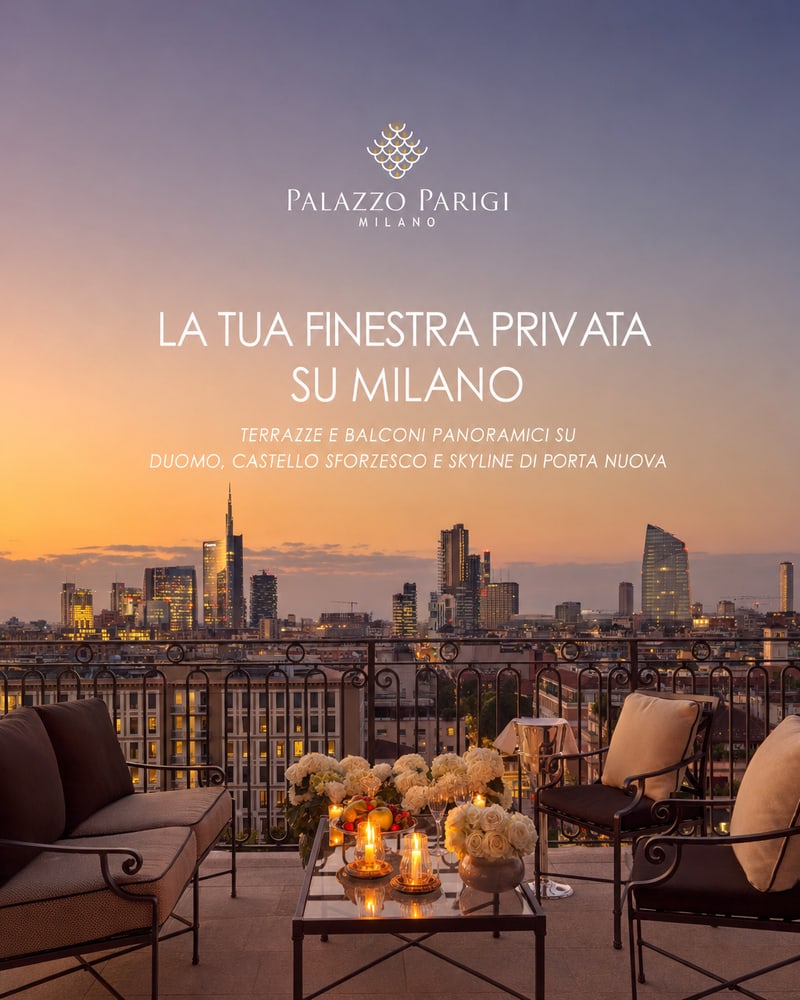
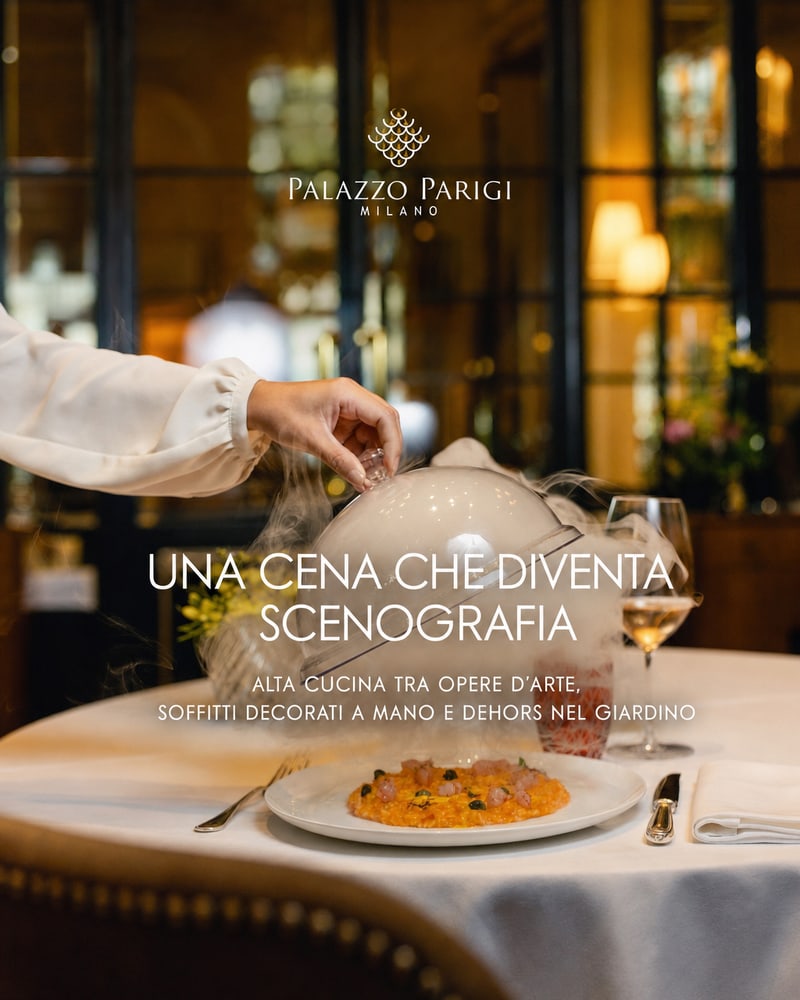
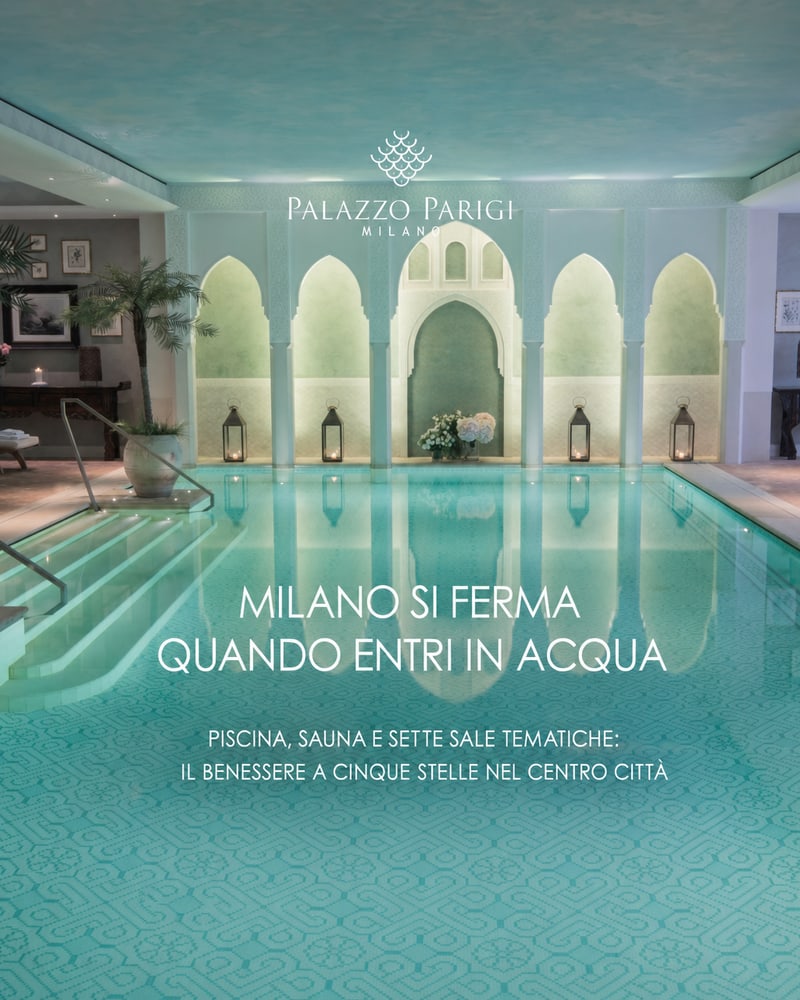
An angle answers a practical question: what should make this guest stop and look? A hotel with a spa might speak to someone planning a quiet weekend. A restaurant might give a local guest a reason to come for dinner. A terrace might become the centre of a city stay.
The suggestions depend on what we find. Select an angle to see its official source and photograph. A service, view or dining claim needs evidence on the hotel’s website and a relevant real photograph.
The original ad, or the homepage when no image ads are available, guides the visual identity. The selected angle sets the new headline and message. You can explore a different reason to visit while keeping the hotel’s identity consistent.
Keep the hotel recognisable
The generator sends the image model two inputs: your selected ad, or the homepage screenshot when no image ads are available, and the official hotel photo tied to your chosen angle. The instructions ask it to retain that real setting and avoid inventing rooms, architecture or services.
The reference ad or homepage guides colour, typography and logo placement. Logos must remain unchanged; the new text should follow the same font style and hierarchy. The headline changes to match your chosen angle.
Check the result before use, especially the logo, lettering and physical details. Image generation can introduce differences even when the instructions are precise.
What changes with Lumina
This tool focuses on one job: creating a new image ad. In Lumina, the same work belongs to a broader content system that knows your hotel through its website, brand book, photography, reviews and current brief.
A spa campaign can need an ad, a newsletter and a page explaining the experience. Your team should be able to review them together, with the same facts, tone and promise across each asset. Lumina prepares website, search, newsletter, social and campaign content from the hotel’s own sources.
As your hotel’s material changes, Lumina can identify content to update and prepare the next work for review. Your team approves before anything is published or sent. Autopilot describes the preparation; your hotel keeps the final decision.
Before you launch
Check that the image shows the right experience and that every written claim is current. Confirm any inclusions, availability and restrictions on the destination page. A spa ad should lead to useful spa information, with a clear way to enquire or book.
Then review the creative in your campaign setup and check how the text reads on a phone. The image is one part of the campaign: audience, offer, destination and measurement still need your decisions.
Questions about the generator
What do I need to start?
Your hotel’s public website. You can start without an account. We use an existing image ad when available, or the homepage as the visual reference, together with real photos from the official website.
What if you cannot find my hotel’s ads?
Choose “Start from the hotel website”. We capture the homepage to guide logo, fonts and colours, then suggest angles based on the hotel’s real photos and features.
Can I use a video ad?
You can view retrieved videos, but video ads cannot be used as image references. If the hotel only has videos, choose “Start from the hotel website” to create a still image.
Does the tool launch campaigns?
It generates a downloadable image. You review it and upload it to your advertising platform. It does not launch campaigns, choose audiences or spend your advertising budget.
Is every generated ad added to this carousel?
The carousel is a curated selection of our generated examples. Your results are not automatically added to the public gallery.