
Write a hotel newsletter





Create the subject line, preview text and body of an email, then review them together.
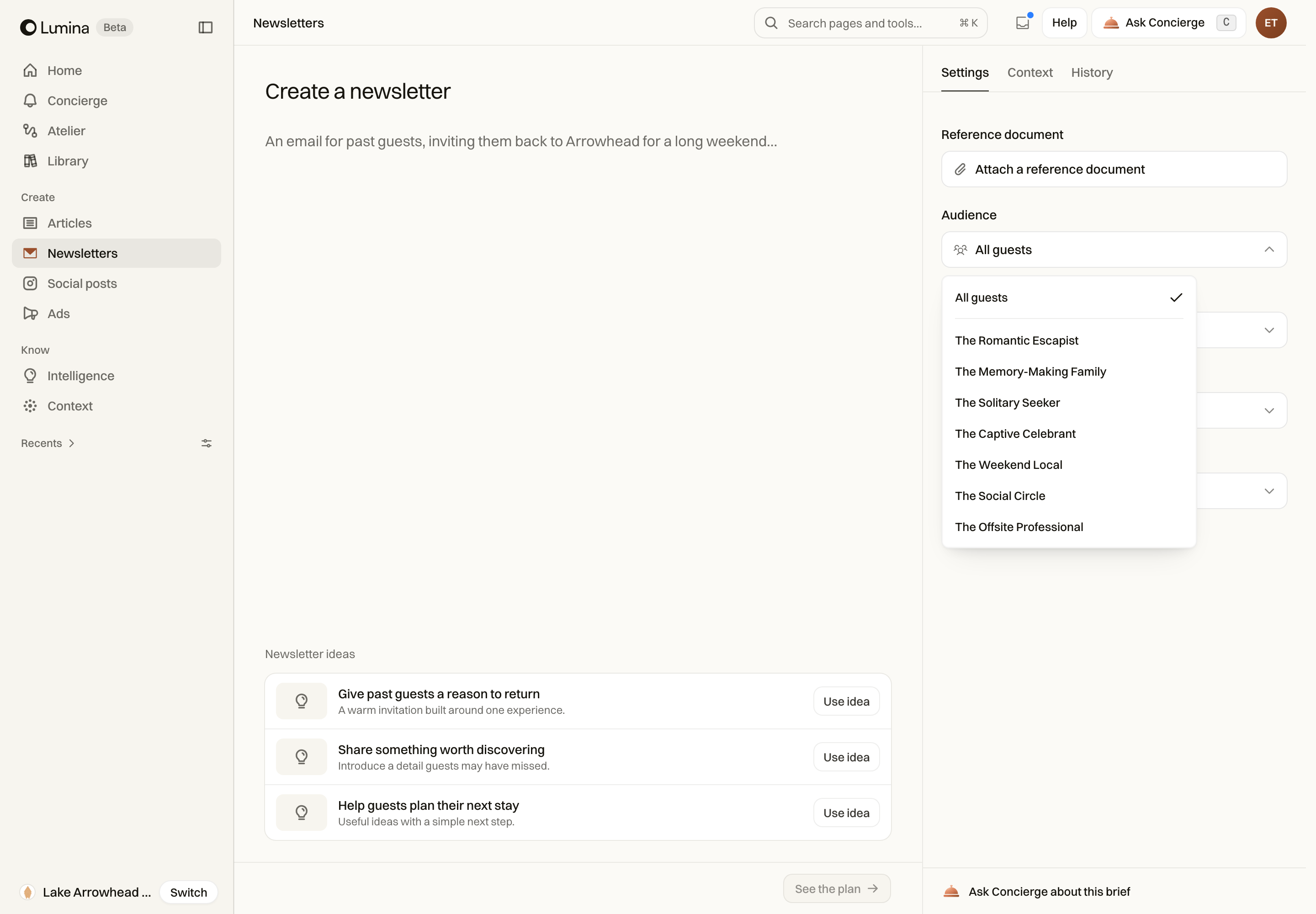
Use Newsletters when you have something worth telling guests about. Lumina helps you turn the hotel’s information into an email with a subject line, preview text, body and images. You can edit the draft before taking it to your email platform.
In Lumina Open Newsletters under Create in the sidebar.
On this page
Give the email a reason to arrive
Name the reader and the occasion. Include confirmed offer conditions, dates and the destination of the main link. If there is no offer, say what is worth reading or planning a visit around.
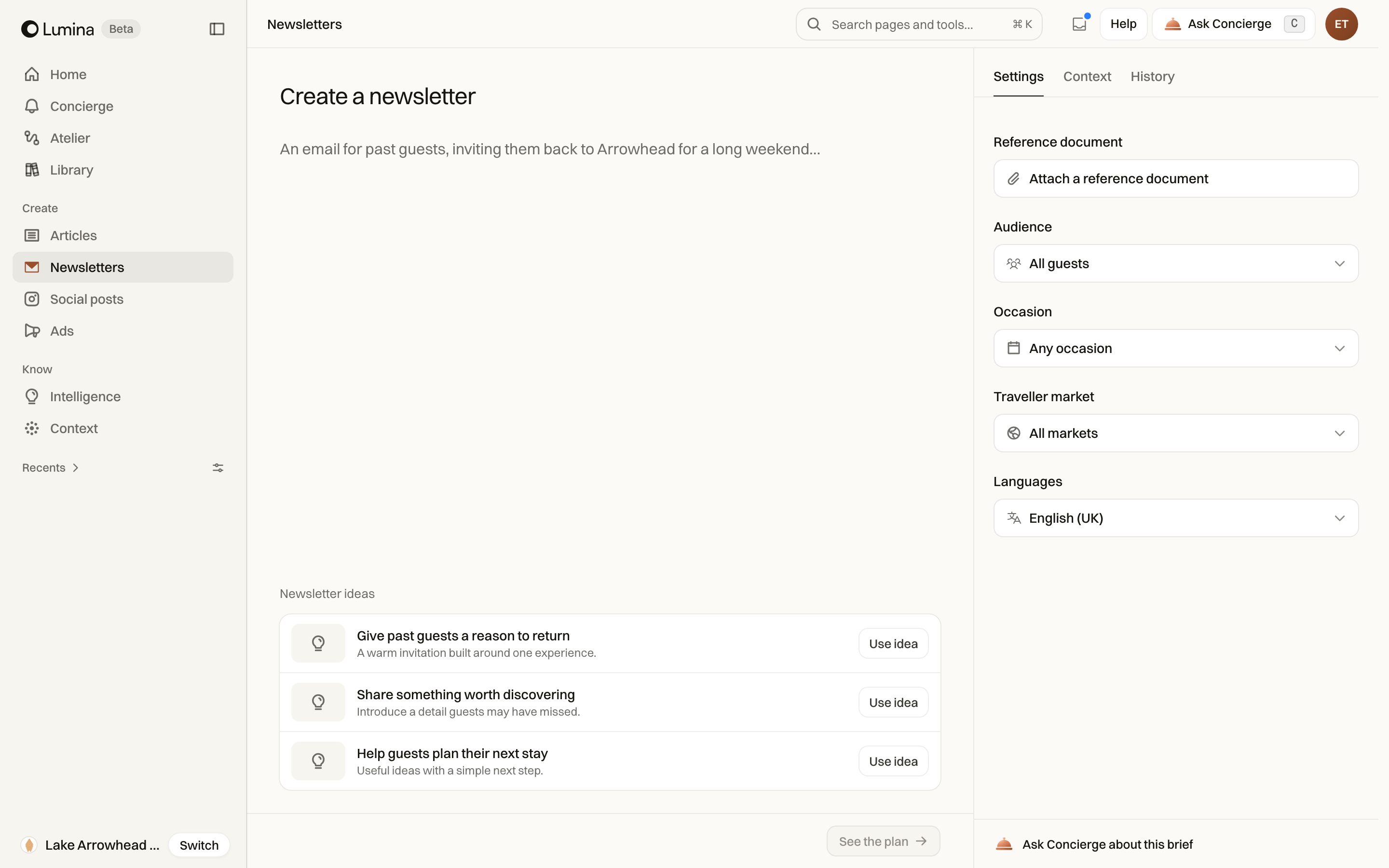
Check Language and Traveller market separately. For example, you can write in English for guests travelling from Germany.
Read it as an email
- Enter the brief in Newsletters and inspect Settings and Context.
- Select See the plan and review the Creative brief. If you change the brief or settings, use Update plan.
- Select Create draft, then inspect the result in its preview.
- Read the subject and preheader in the email preview, then read the body and call to action.
- Use Edit for text changes and Images for the available image slots.
- Use Ask to change a specific part and inspect the resulting version.
- Save and download the content for your email platform.
Before you send
Confirm all links, hotel facts and commercial terms. Check the email in your sending platform, including its mobile rendering, sender identity, unsubscribe link and recipient setup.
Lumina’s content preview is an editorial workspace. Generating or downloading a newsletter does not send it to guests.
Common questions
What is preview text?
It is the short line an email inbox can show beside or below the subject. Lumina calls it the preheader. Review it with the subject so the two lines make sense together.
Can I write in another language?
Choose the language in the newsletter settings and check the Traveller market separately. The language controls the writing; the market describes the audience you want to address.