
Update your hotel information





Keep the hotel details and source documents current so future work starts with better information.
Use Property setup to maintain the information about the hotel. If a facility changes, an old document is replaced or a room description is wrong, update the source here. You need the relevant permission to make these changes.
In Lumina Open Property setup from the property switcher, if your role allows it.
On this page
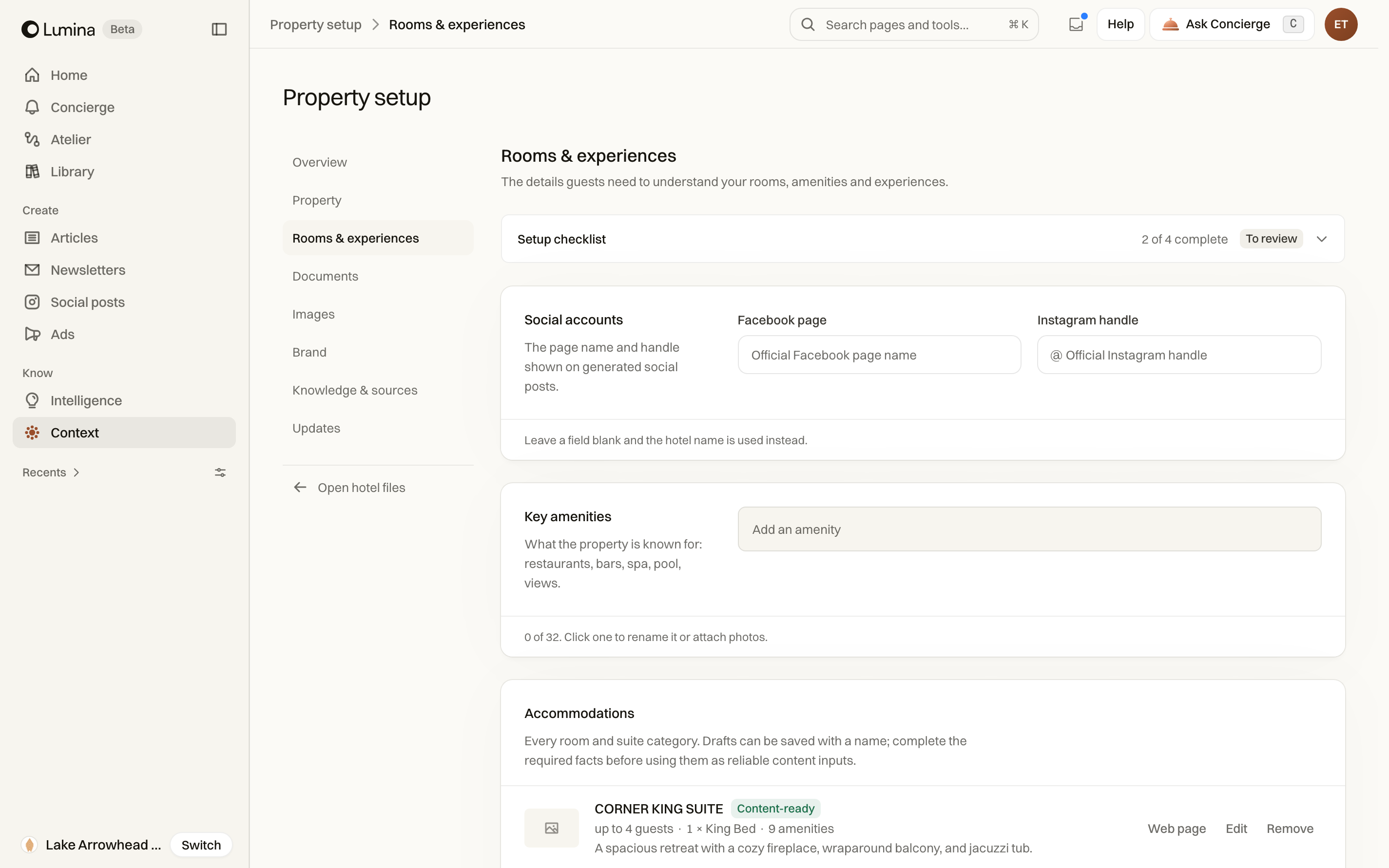
Use the right editor
Property setup is available to accounts with the relevant access. It groups the hotel’s editable sources and provides access to documents and images. Open the appropriate category rather than changing a fact only in a generated piece.
You may be able to read Context without permission to change the underlying sources. Ask a teammate with setup access when the edit controls are not available.
Update a source
- Confirm the selected hotel and open Property setup.
- Choose the source category or open Documents or Images.
- Edit the information in its existing editor, or use the document upload controls when appropriate.
- Review the changes and save through that editor.
- Return to Context to inspect the updated information.
Leave an unfinished edit safely
Setup warns when navigation would leave unsaved changes. Stay on the form to continue, save the edit, or reset it if you want to discard the work.
Changing a source can affect future generated work. Review previously saved content separately when the change makes a date, amenity or offer inaccurate.
Common questions
Why can’t I edit the hotel details?
Your account may not have setup permission. Ask the workspace administrator to update the information or grant the appropriate access.
Will updating a source fix old drafts?
Review saved drafts separately. An updated source helps future work, but existing text may still contain the old detail.