
Reply to reviews in your hotel’s voice





Read new reviews from four sites in one list, and copy a reply written the way your hotel already answers.
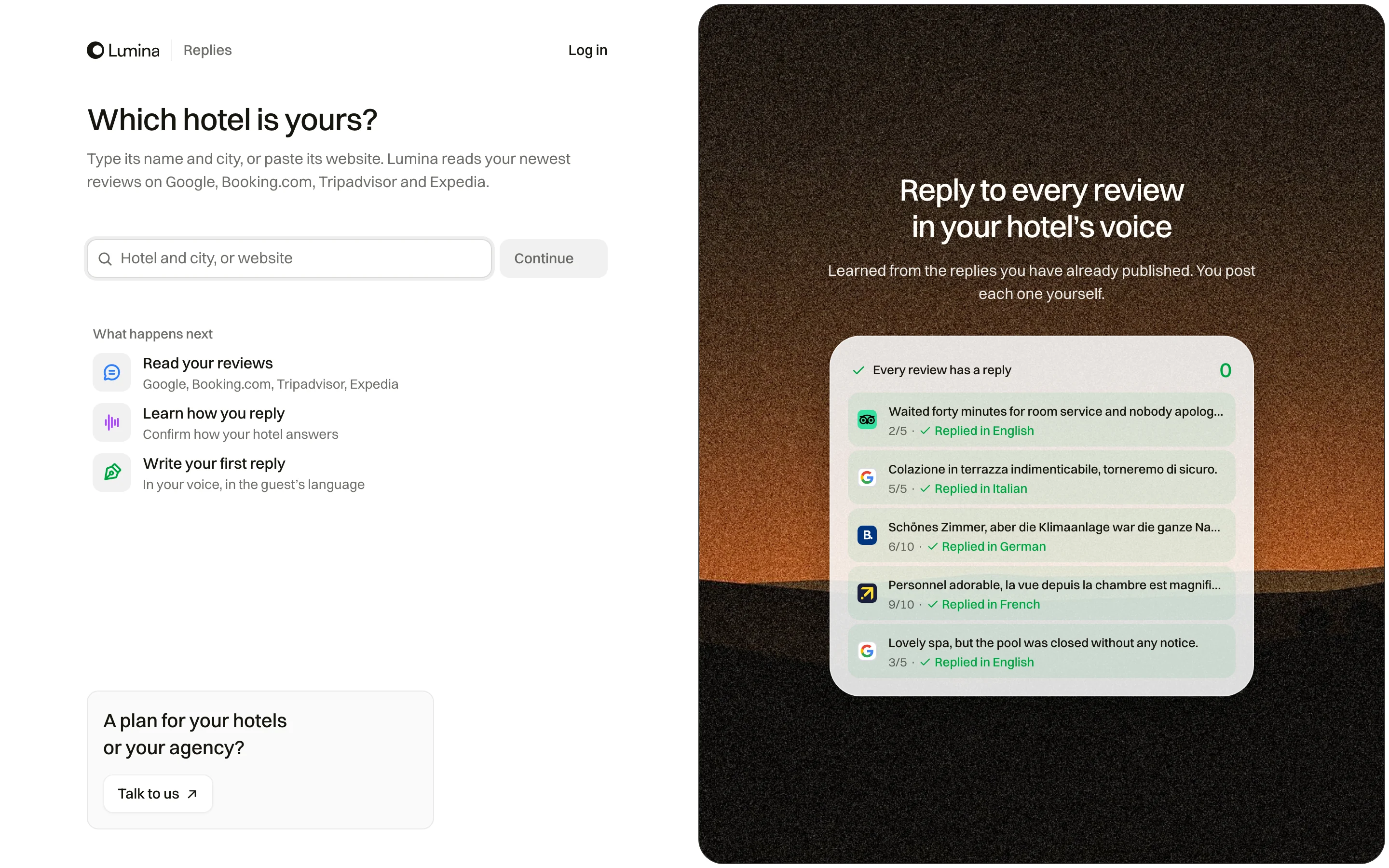
Guests read how a hotel answers its reviews before they book. Replies reads the reviews on Google, Booking.com, Tripadvisor and Expedia and writes each answer in the way your hotel already replies, so your team only checks and posts.
In Lumina Open Replies in the sidebar, or start at app.luminafrontier.ai/start/replies.
On this page
How Lumina writes a reply
Lumina reads the replies your hotel has already published and learns how it answers: the greeting, who signs, how formal it is and how long. Each new reply follows those habits, in the guest’s language unless you choose otherwise.
Lumina never posts for you. You read the reply, change it if you want, and post it yourself.
Answer a review
- Open Replies and choose To answer.
- Pick a review. Booking.com and Expedia ratings show out of 10, the others out of 5.
- Select Write reply. Add a note if the team already did something, such as a refund or a fix.
- Read the reply. Use Another version, Rewrite with a note, or Edit first if it needs changing.
- Select Copy and open. The reply is copied and the review opens on its site, where you paste it and post.
Settings you can change
| Item | What it means |
|---|---|
| Language of new replies | The guest’s language, a language you choose for each reply, or always the same language. |
| Second language | Add an English version, or one in the hotel’s language, below the reply. |
| Voice | See what Lumina learned about how the hotel writes, and change it. Save it as the hotel’s voice. |
| Watch new reviews | Part of a subscription: Lumina checks the review sites and emails you each new review with its reply ready, or a morning summary. |
What it costs
The first reply is free. After that each reply costs 1 credit, and so does another version, a rewrite with a note or a translation. Editing a reply by hand is free. You see the cost before you click.
Common questions
Does Lumina publish the replies?
No. Lumina writes the reply and copies it for you. You paste it on the review site and post it yourself.
Can it reply in the guest’s language?
Yes. By default each reply is in the language the guest wrote in. You can choose another language for one reply, or always reply in the same language.
What if the reply is not right?
Ask for another version, rewrite it with a note about what happened, or edit the text yourself. Every reply Lumina writes for the hotel stays in History.