
Start from Home





Ask the team for anything, read what is waiting for you and see what to publish this week, all on one page.
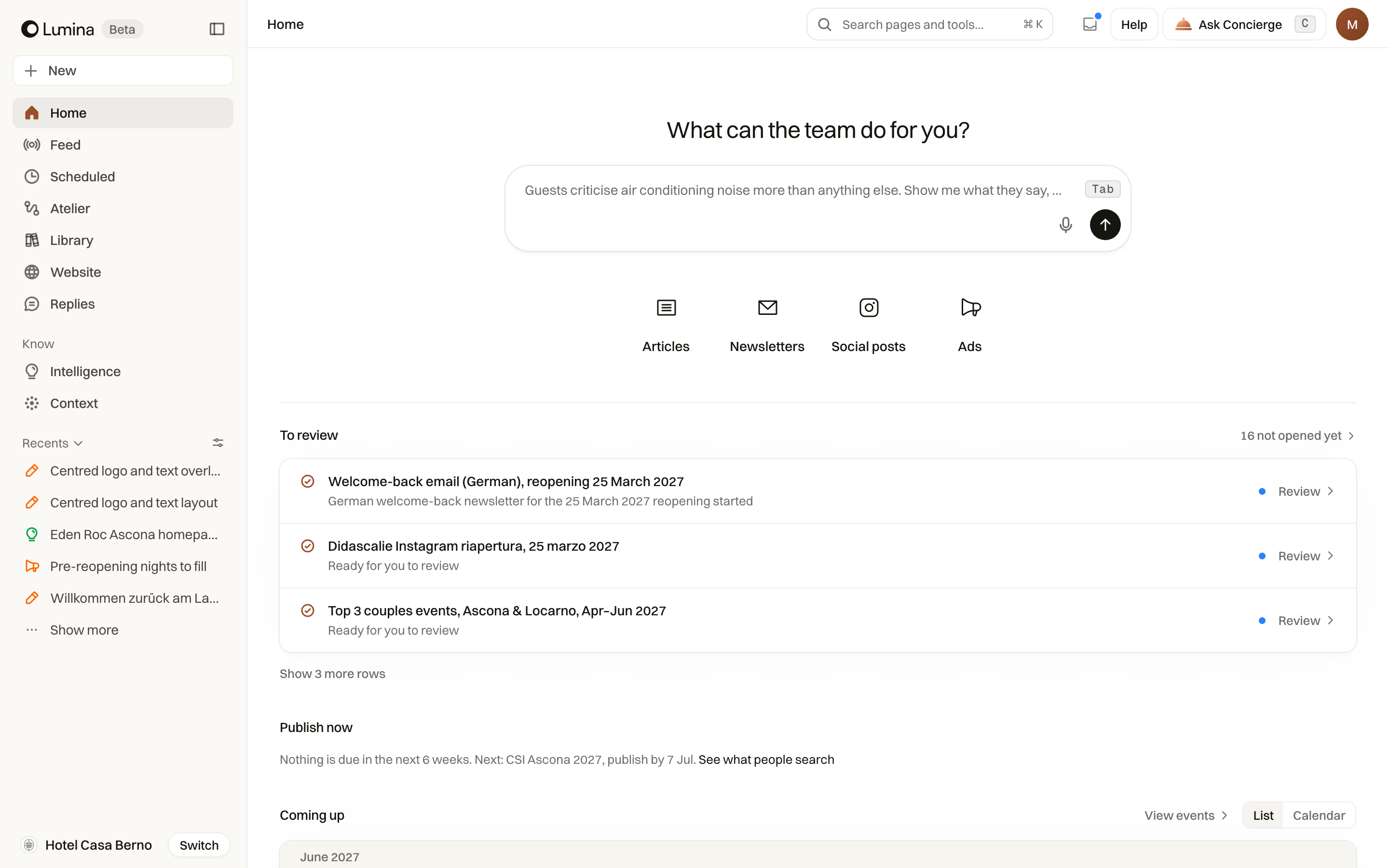
Home is where a working day in Lumina starts. The box at the top sends a question or a job to the team. Below it, Home shows what is waiting for you, what to publish this week, the nights to fill, the events coming up and what was made recently.
In Lumina Choose Home at the top of the sidebar.
On this page
Ask the team
Type in the box under What can the team do for you?, in your own words, and press the arrow. You can also dictate with the microphone. A question gets an answer; a job, such as a campaign or a set of drafts, is handed to the team, which works on it while you do something else.
- Write what you need: the goal, the guests, the dates and anything that must or must not be said.
- Press the arrow. The conversation opens and appears in Recents in the sidebar.
- Come back to it from Recents at any time. A dot shows that something new is waiting.
Start a piece directly
Under the box, Articles, Newsletters, Social posts and Ads open each creation tool. The same tools are under New at the top of the sidebar, together with Ask the team and Campaign, and you can find them with the search in the header.
To review
To review lists what is waiting for you: pieces the team finished, drafts not opened yet and pages worth improving. A blue dot means you have not opened it. Choose Read to open the piece. When the team has a question for you, the row says so.
Publish now
Publish now tells you what to publish this week, for which moment and why. Each row shows the moment, the date to publish by, what people search for around it and what your website does not yet answer. Choose Draft it to start the article with that brief already written.
Publish now needs to know what travellers search for. If it says Lumina has not read that yet, choose Open Search. If nothing is due, it says when the next piece is.
Nights to fill and Coming up
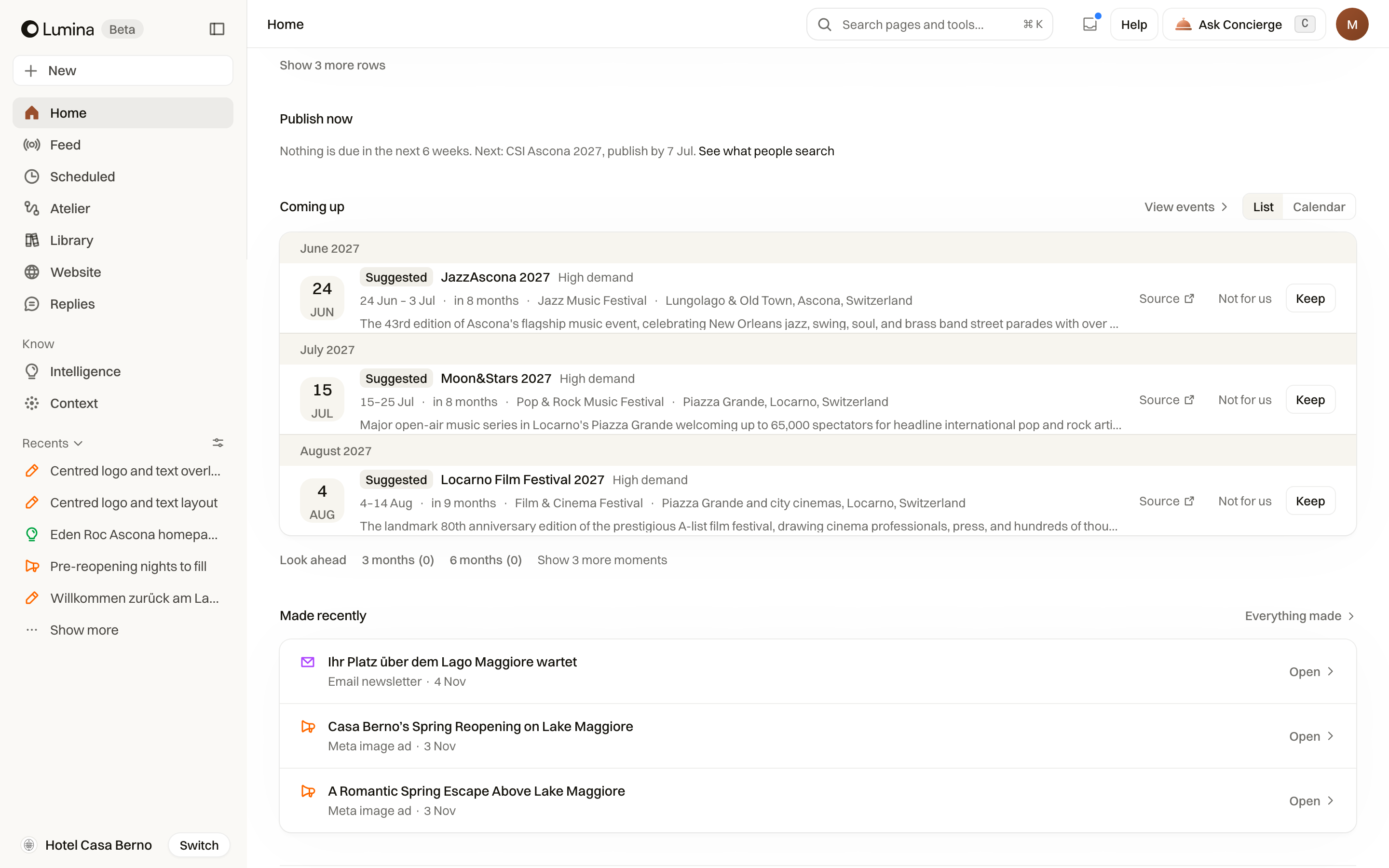
Nights to fill lists the dates the hotel is behind on. Until you give Lumina your own dates with Tell Lumina your dates, it estimates them from how the hotels nearby price those nights, and says so. Choose Plan to ask the team for a campaign for those nights.
Coming up lists the events and moments ahead, with List and Calendar views. Choose Keep for the ones that matter to your hotel and Not for us for the rest; Source opens where the event was found. Use Look ahead to see three or six months.
Made recently and Recents
Made recently shows the newest pieces; Everything made opens the Library. Recents, in the sidebar, keeps your conversations and the work you handed to the team, each with its state. Use the filter beside Recents to narrow the list, and All conversations to see every one.
Ideas in the Feed
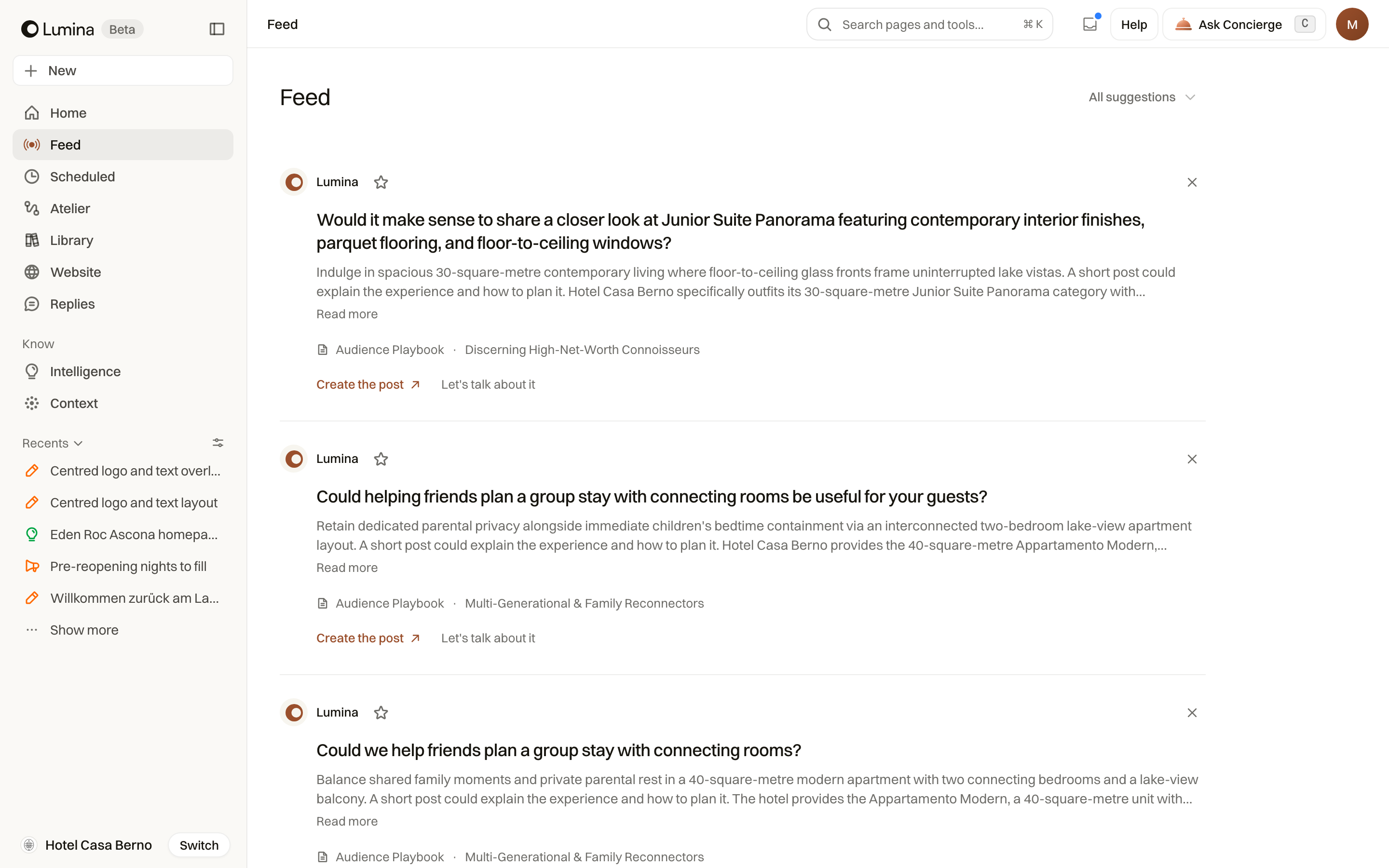
Feed, in the sidebar, proposes ideas from your hotel's events, content and website, such as a short post about a conference next week. Each idea says what to confirm before publishing. Choose Create the post or Create the article to start it, Let's talk about it to discuss it with the team, the star to keep it, or the cross to dismiss it.
Common questions
Is Home the same as Concierge?
Yes. The box on Home starts a conversation with the Concierge, the team that knows your hotel. Ask Concierge in the header opens a conversation beside the page you are on, so you can ask about what you are looking at.
Why does Publish now say it cannot suggest anything?
It needs to know what travellers search for around your hotel. Open Intelligence, then Search. When search demand is there and nothing is due in the next weeks, Publish now says when the next piece is due.
Where did the creation tools go?
Articles, Newsletters, Social posts and Ads are under the box on Home and under New at the top of the sidebar. You can also type their name in the search in the header.