
Give the team work





Hand a job to the team, run several at once, and come back when it is ready to review.
Some requests need minutes, not seconds: a campaign with an article, an ad and a newsletter, or research before a draft. Hand them to the team and carry on with your day. Each job runs on its own, tells you when it is ready and waits for your review.
In Lumina Ask on Home, or in any conversation with the Concierge.
On this page
Hand over a job
Write the job as you would brief a colleague: what it is for, the guests, the dates, the language and what done looks like. Say what is already decided, such as no price or package, and what must be checked.
- On Home, type the request in the box and press the arrow.
- The team answers in a sentence and starts the work. Each job appears in Recents with its state.
- Leave the page if you want. The work carries on without you.
Winter festival weekend, late January to mid February, for couples.
Prepare an article with things to do and a stay at the hotel, a Meta ad with our own photo, and a newsletter for the same weekend.
No price or package: none is approved yet.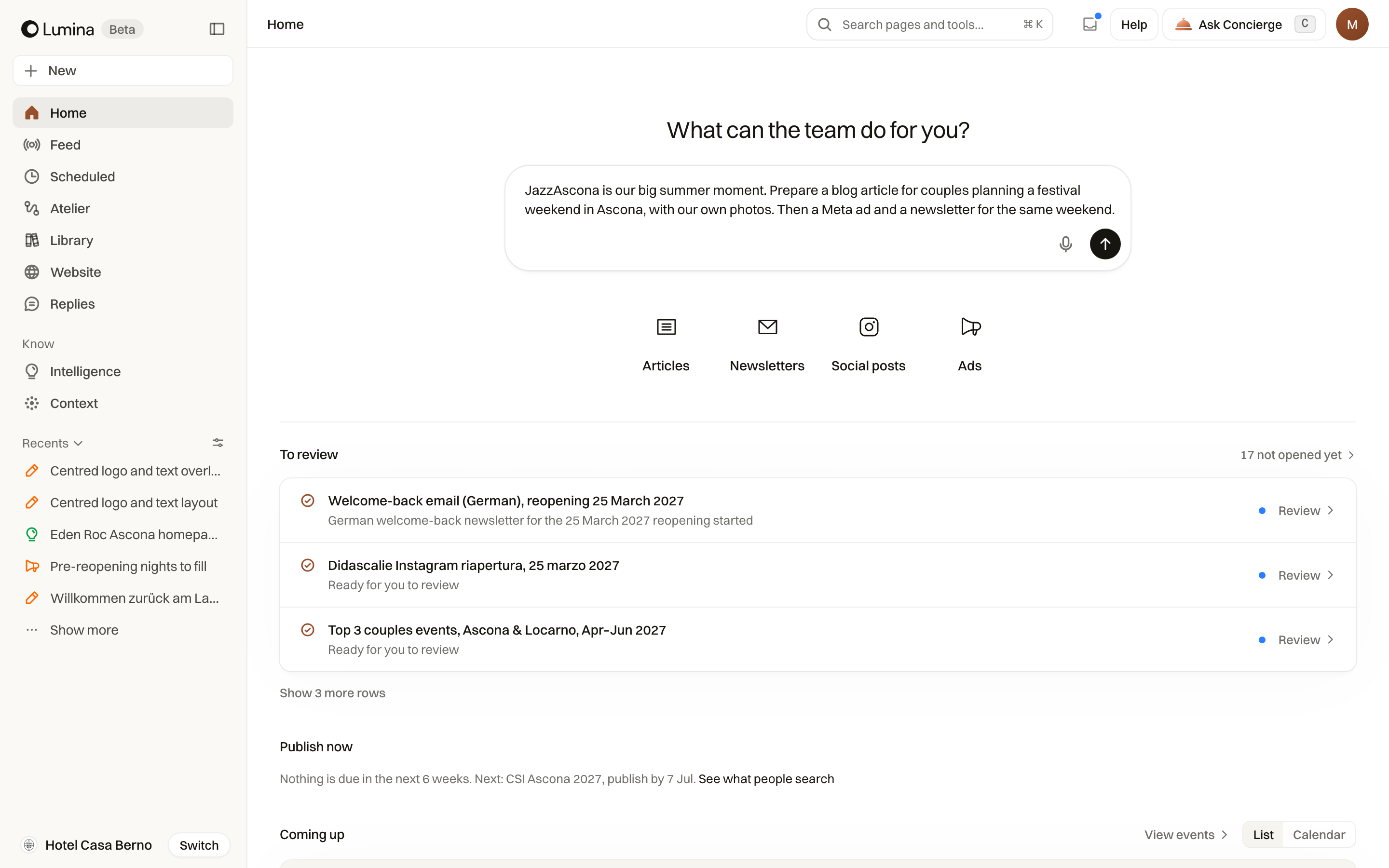
Several jobs at once
One request can hold up to four jobs, for example this week's review replies and the reopening campaign. They run side by side, each in its own conversation. When the team is already busy, a job waits its turn and starts by itself.
Follow the work
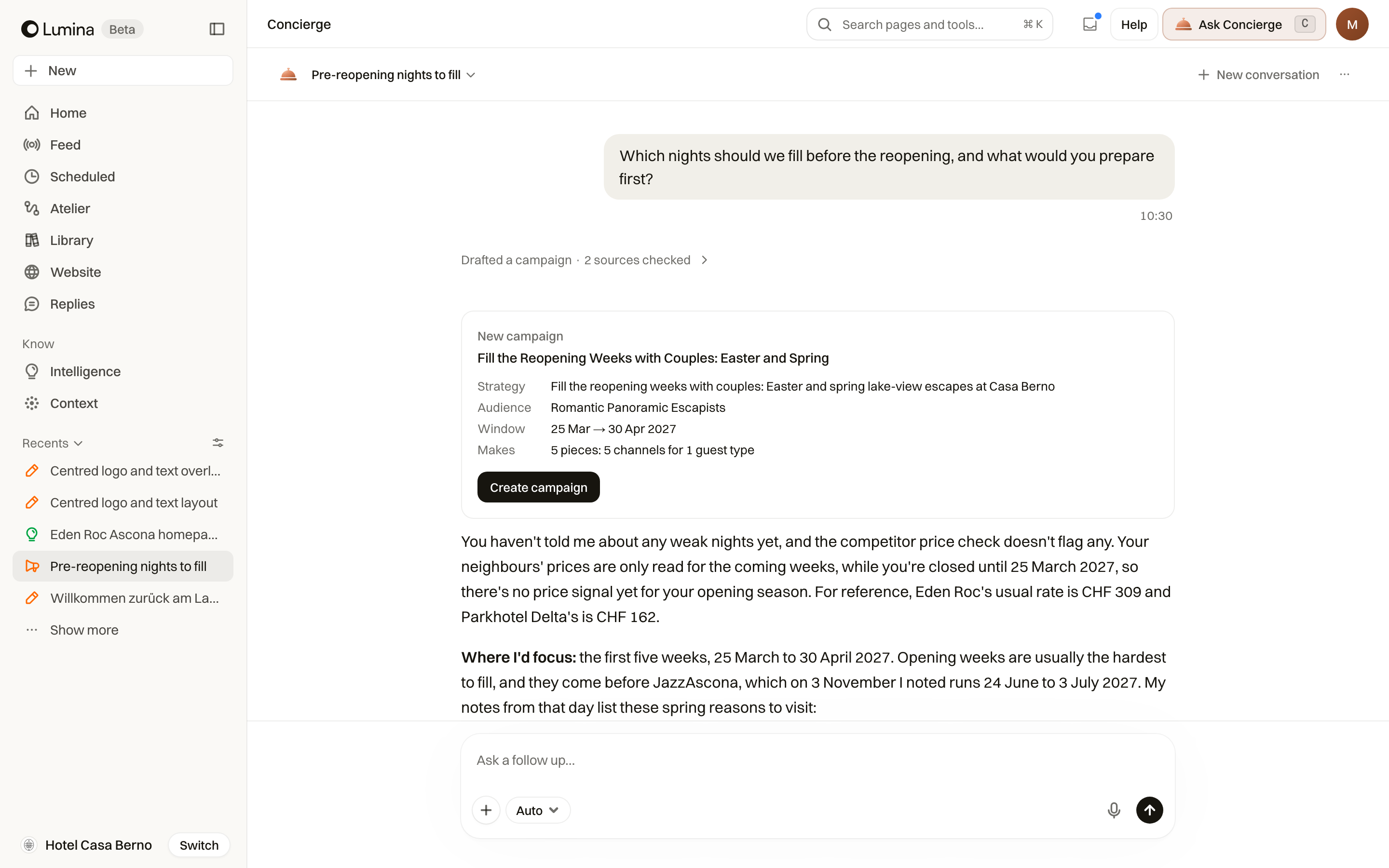
Each job shows its state in Recents and on its card in the conversation.
| Item | What it means |
|---|---|
| Starting | The job is waiting for its turn. |
| Working | The team is on it. You can open the conversation and watch. |
| Needs your answer | The team needs something from you, such as a date or a choice. Answer in the conversation. |
| Ready | The work is finished and waiting for your review. |
| Stopped before it finished | Open it to read what happened and ask again. |
Review what comes back
A finished job opens with the team's short report: what it made and what you should check, such as an event not yet in your calendar or a fact it could not confirm. Each piece opens from its card.
Above the box of a finished job, choose Approve when it is right, or Not needed to set it aside. Undo is there if you change your mind. To ask for a change, write it in the box below.
An email when it is ready
If a job takes more than a few minutes, Lumina emails you when it is ready, so you do not have to keep the page open. Finished work also shows in Home, under To review, and in Inbox in the header.
Common questions
How many jobs can I hand over at once?
Up to four in one request. If the team is busy with others, a job waits and starts by itself.
Does a finished job publish anything?
No. Finished work is a draft for you to read. Approve records that it is right; publishing or sending still happens where you choose.
Can the team send an article to our website while I am away?
No. Sending an article to WordPress as a draft happens in a conversation you are in, so you see it go. Ask for it when you review the piece.