
Send your work to your website and email tool





Copy each field into your CMS, send an article to WordPress or Webflow as a draft, or a newsletter to Mailchimp or Brevo.
A finished piece still has to reach your guests. Lumina prepares it for the tool where you publish: your website's CMS, WordPress, Webflow, Mailchimp or Brevo. It always arrives as a draft; you publish or send it there.
In Lumina Open a piece and choose Publish at the top right.
On this page
Copy field by field into your CMS
Choose Publish, then CMS export. Lumina lists the article's fields as your website expects them: title, standfirst, body, images and the rest. Each field has a Copy button; long text is copied with its formatting, ready to paste into a rich-text field.
Empty fields stay empty. The export does not publish the article or upload images to your site.
- Open the article and choose Publish, then CMS export.
- Check each field. Changes made here apply to this download only.
- Choose Copy beside a field and paste it into the same field in your CMS.
- Or choose Download CMS files for the fields and a readable field sheet in one download.
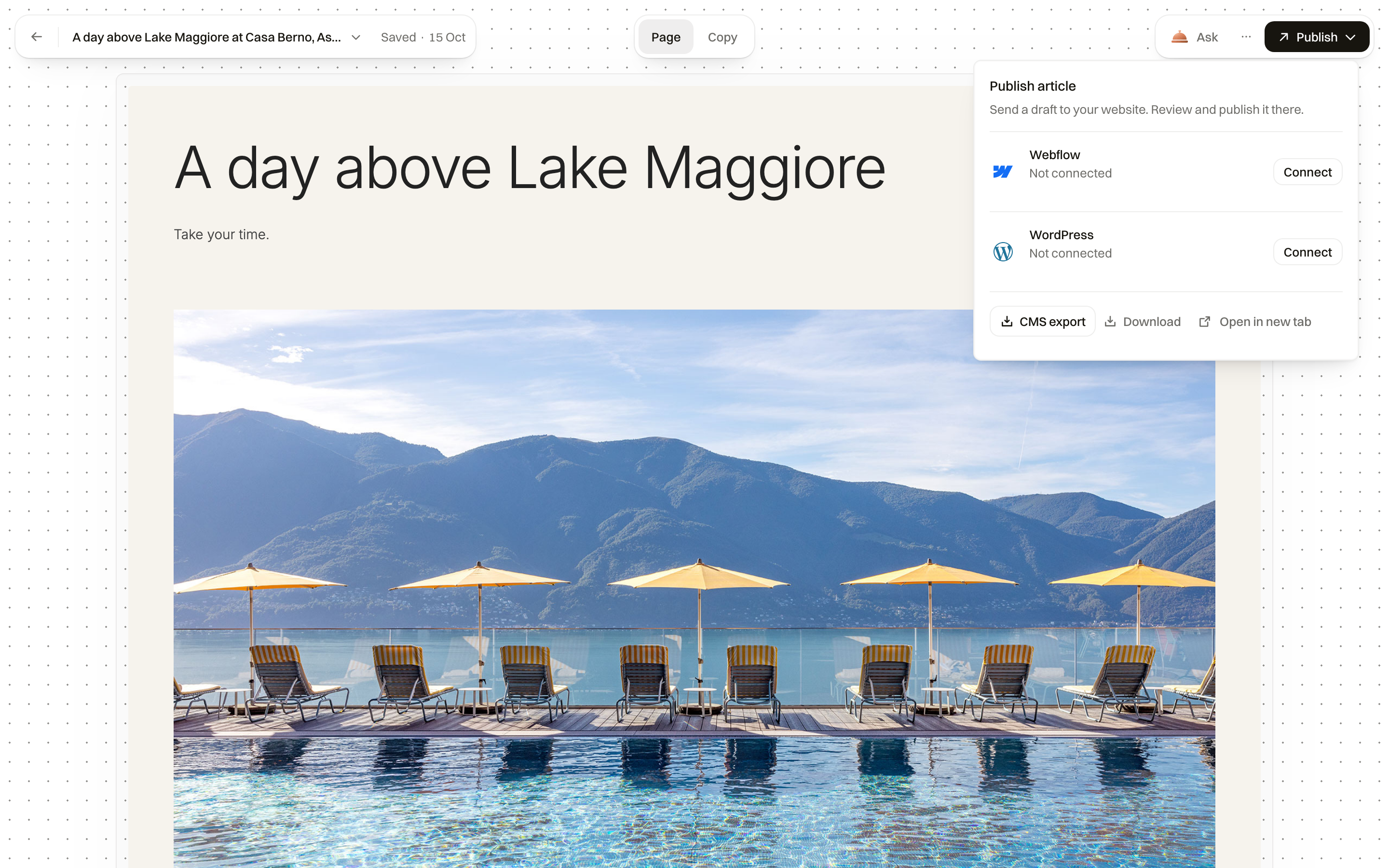
Send an article to WordPress or Webflow
Once WordPress or Webflow is connected in Context, then Integrations, Publish shows Send to WordPress or Send to Webflow. Lumina places the article on your site as a draft, with its images. Review and publish it there.
You can also ask in a conversation: send the winter weekend article to WordPress as a draft. The team sends it and gives you the link. Only people allowed to manage integrations can send.
Send a newsletter to Mailchimp or Brevo
Open the newsletter and choose Publish. With Mailchimp or Brevo connected, choose Send to Mailchimp or Send to Brevo. Lumina saves the newsletter there as a draft; choose the audience and send it from Mailchimp or Brevo. After a change in Lumina, Update draft replaces the draft.
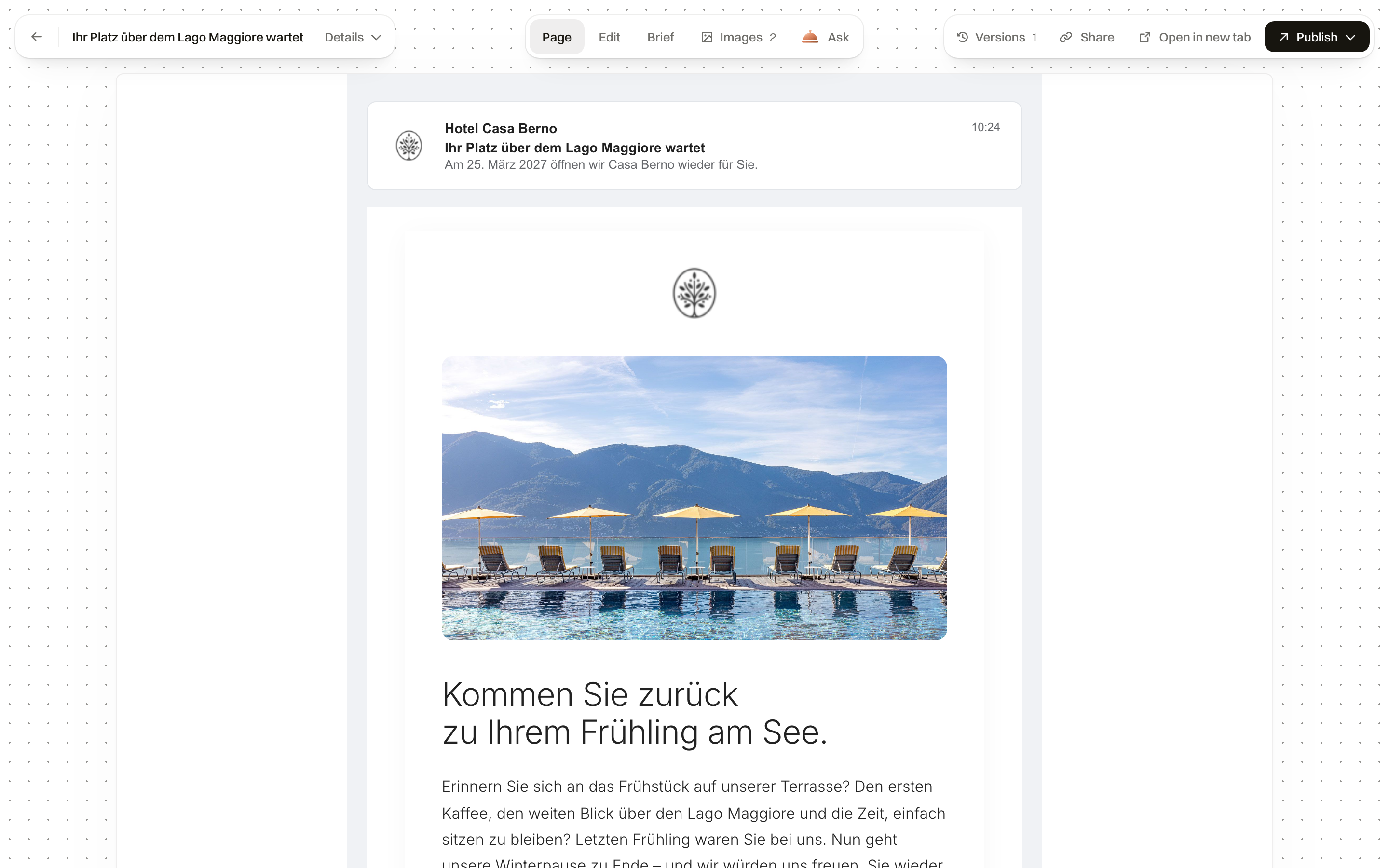
Download
Download gives you the files to use anywhere: an article, a newsletter or an ad for your ad account. Open in new tab shows the piece on its own page.
Common questions
Does Lumina publish the article on my website?
No. It creates a draft on WordPress or Webflow, or prepares the fields for your CMS. You review and publish it on your site.
Will a newsletter be sent to our guests?
No. It is saved as a draft in Mailchimp or Brevo. You choose the audience and send it there.
Our website uses another CMS. What do I do?
Use CMS export and copy each field, or download the CMS files. The Lumina team can tell you whether a direct connection is planned for your system.